Morse Code Flashlight
Turn your phone screen into a Morse code flashlight. Type a message or tap SOS — your screen flashes the signal.
Set your screen brightness to maximum for best visibility.
How to Use a Flashlight for Morse Code Signaling
Morse code flashlight signaling is one of the oldest and most reliable methods of long-distance visual communication. Any light source — a phone screen, a flashlight, or even a campfire shutter — can transmit Morse code. Short flashes represent dots, longer flashes represent dashes, and the gaps between them encode the structure of each letter and word.
This tool turns your phone screen into a Morse code transmitter. Type your message, adjust the flashing speed, and tap Start Flashing. Your entire screen alternates between black and bright light, creating visible signals that can be read from hundreds of meters away at night. For maximum range, set your screen brightness to full and choose white light.
When Flashlight Morse Code Is Useful
Visual Morse signaling is valuable in situations where sound doesn't carry or electronics have failed. Campers and hikers use it to signal between tents or across valleys after dark. Boaters use light signals when radio communication is unavailable. During power outages, a flashing phone screen can communicate with neighbors or rescue teams. In survival situations, a visual SOS signal is one of the most effective ways to attract attention from search aircraft or distant observers.
The Science of Visibility
White light carries furthest at night because the human eye is most sensitive to the center of the visible spectrum under scotopic (low light) vision. A bright white phone screen at maximum brightness can be spotted from over 500 meters in clear darkness. Red light preserves your night vision — useful if you need to keep your eyes adapted to the dark while signaling. The color options in this tool let you choose based on your situation.
SOS Signaling Best Practices
SOS in Morse code is three short signals, three long signals, three short signals: · · · — — — · · ·. When signaling for help, flash the complete SOS pattern, pause for a few seconds, then repeat. Keep repeating until you receive a response. The internationally recognized reply is three flashes, meaning “message received.” The one-tap SOS button in this tool handles the timing automatically — just press it and point your screen toward potential rescuers.
Signal Flashlights
As an Amazon Associate, Morse.Cool earns from qualifying purchases.
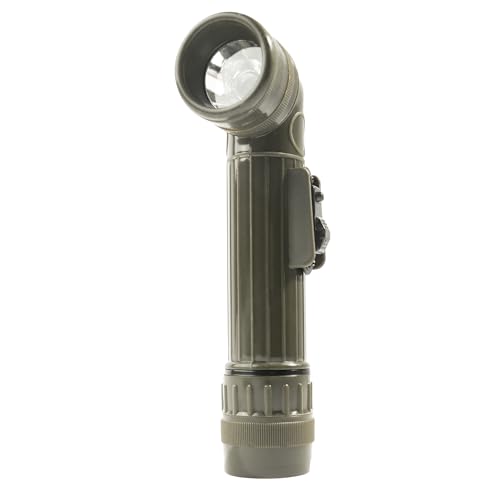
As an Amazon Associate we earn from qualifying purchases.

As an Amazon Associate we earn from qualifying purchases.

As an Amazon Associate we earn from qualifying purchases.